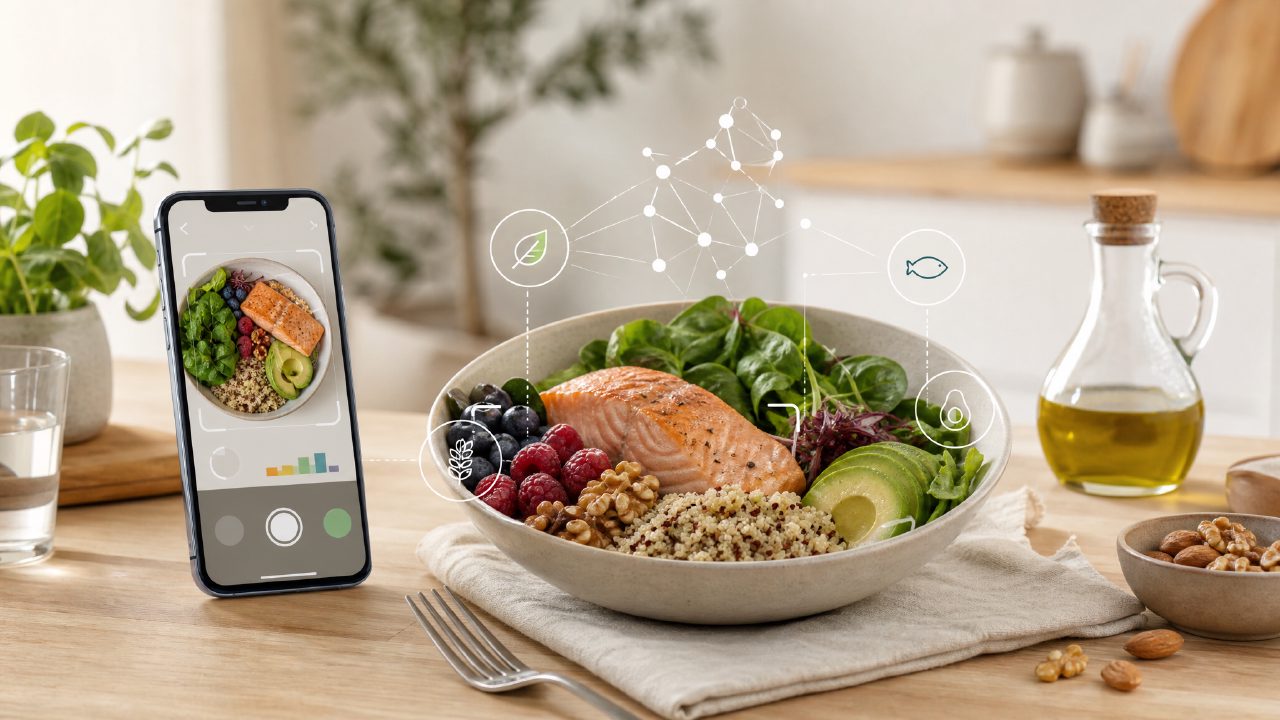
I’ve been trying to eat more heart-healthy meals lately, but honestly, keeping track of sodium, saturated fat, and fiber across different dishes is a chore. I don’t have time to weigh every ingredient or look up nutrition tables. So when I came across EtinAI, an AI-powered calorie and nutrition tracker that claims to give you numbers just from a photo, I wanted to see if it could actually help with heart-healthy eating without becoming another habit I drop after a week.
The idea is simple: snap a photo of your meal, and the app estimates calories, protein, carbs, and fat. I tested it on a few things I usually eat—vegetable stir-fry, a bean soup, and a chicken salad. The first thing I noticed was speed. Within seconds, the app returned numbers. For the stir-fry, it picked up broccoli, bell peppers, and chicken decently, though it missed the soy sauce and oil. That’s a tradeoff I can live with: you get fast estimates, but you lose some detail on hidden fats and sodium.
Where it works and where it stumbles
For heart-healthy tracking, the app helps in a practical way. I scanned a bowl of lentil soup and it correctly identified the main ingredients and gave me reasonable fiber and protein numbers. That alone saves me from manually logging into a food database. But I also scanned a homemade vegetable curry and it called it “mixed vegetables in creamy sauce,” which was off—the sauce was coconut milk, not cream. That’s a realistic limitation: AI vision can get fooled by similar textures. You have to double-check occasionally, especially if you’re strict about sodium or saturated fat.
One feature I found genuinely useful is that within the app, you can jump to support content. For example, after logging a meal, I tapped a link to Learn the basics of Healthy Eating and got a short, readable guide. That’s not something I expected from a tracker—it’s more like a mini educational layer. I also used the option to Check our Balanced Nutrition meal tips when I wasn’t sure if my dinner was too carb-heavy. The tips were general but helpful for someone like me who doesn’t have a dietitian on speed dial.
Concrete observations from daily use
- Vegetable recognition is okay but not perfect. It nailed whole vegetables like tomatoes and spinach, but blended dishes (like a stew) sometimes got mislabeled as “soup.” That matters when you’re trying to Follow Dietary Guidelines for daily meals—you need accurate portion sizes for veggies.
- Fat tracking leans high. I noticed the app overestimated fat on my grilled salmon plate, probably because it couldn’t tell how much oil was used. For a low-fat diet, this could be a problem. But you can manually adjust, and the app has a section to Explore the best Low-Fat Diet ingredients that suggests swaps.
- The protein tracking is solid. When I scanned a chicken breast with quinoa, the protein estimate was within a few grams of what I expected. For anyone looking to See how High-Protein Diet helps muscle gain, this gives usable data without a food scale.
A qualified judgment
I’m not ready to call EtinAI a replacement for a nutritionist or a precise logging tool. There’s mild friction when you eat mixed dishes or restaurant food—you’ll get rough numbers, not lab-grade accuracy. But for someone who wants to be more aware of heart-healthy choices without spending 20 minutes a day on tracking, it’s a decent middle ground. The built-in educational content (like the etin integration with tips and guidelines) makes it more than a camera app. I’d say try it for a week, check the outputs against what you know, and see if the convenience outweighs the occasional weird guess. For me, it does—most days.
Comments
Leave a Comment