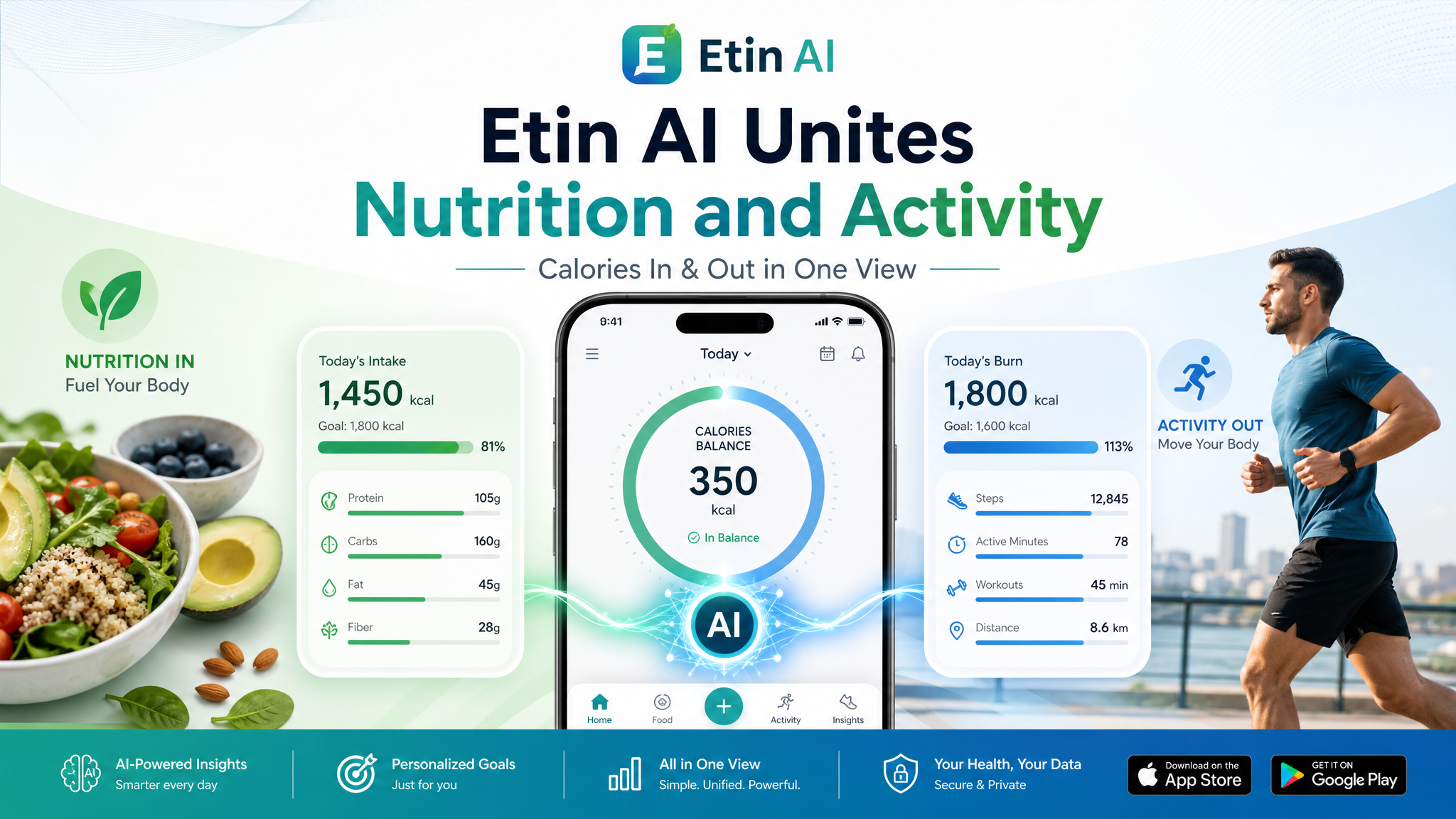
Trying to track both what you eat and how much you move usually means juggling two apps—one for food logging, one for exercise. Then you try to mentally add up whether that 400-calorie run really cancels out the 600-calorie burrito. It gets messy. Etin AI tries to fix that by putting calories in and out in one view, using a photo-based nutrition tracker that also logs activity.
Snap the meal, see the trade-off
The core loop is simple: open the app, take a picture of your food, and it recognizes the dish and estimates calories, protein, carbs, and fat. The AI isn't perfect—it sometimes misidentifies ingredients if the photo is dark or the food is heavily mixed (think a casserole or a salad with dressing already on it). But for most single-item plates or meals with clear components, it's surprisingly accurate. I tested it on a grilled chicken salad and a bowl of ramen, and the calorie estimates were within 10–15% of what I'd expect from manual entry.
What makes it different is that right below that meal card, you see your daily activity burn. If you've synced a wearable or manually logged a walk, the app shows a running balance: “Calories in vs. out.” No toggling between tabs. That immediate visual feedback changes how you think about the next snack. After a heavy lunch, seeing a negative balance made me reconsider the afternoon cookie.
Realistic scenarios where it works (and where it doesn't)
Scenario one: you eat at home most of the time with simple ingredients. Etin AI handles that well. A plate of rice, chicken breast, and broccoli? Recognized instantly. Scenario two: you frequently eat out or order complex bowls with sauces and toppings. Here the AI stumbles—it might guess “stir-fry” but miss the oil or sugar content. You'll need to manually adjust the portion size or swap ingredients.
Scenario three: you do varied workouts. The app lets you log walking, running, cycling, and gym sessions, but it doesn't auto-detect reps or sets. For strength training, you're entering estimated calories manually, which is less precise. If your primary exercise is lifting, the “calories out” number becomes more of a rough guide than a reliable metric.
How to judge if it's for you
The main tradeoff is convenience versus accuracy. If you're looking for a quick way to see the big picture—did I eat more than I burned?—without spending ten minutes manually entering every gram of avocado, Etin AI is a solid choice. But if you need clinical precision for medical reasons or competition prep, the photo estimation and generic activity data won't cut it. You'd be better off with a food scale and a dedicated fitness tracker that integrates with a more detailed logging app.
Another limitation: the app's database leans toward common Western dishes. Asian cuisines, Middle Eastern, or Latin American foods are sometimes labeled as generic “curry” or “stew.” Those days you'll have to do more editing. The AI learns over time, but out of the box it's best for straightforward meals.
Bottom line
Etin AI solves a real friction point: having calorie intake and expenditure in one place. It's not flawless, but for someone who wants a faster, visual way to stay aware of the balance, it removes the mental overhead of cross-referencing apps. The photo feature alone saves time. Just keep realistic expectations about accuracy on complex dishes and non-cardio workouts. If those align with your habits, give it a try—the single-view dashboard makes the trade-off worth it.
Comments
Leave a Comment