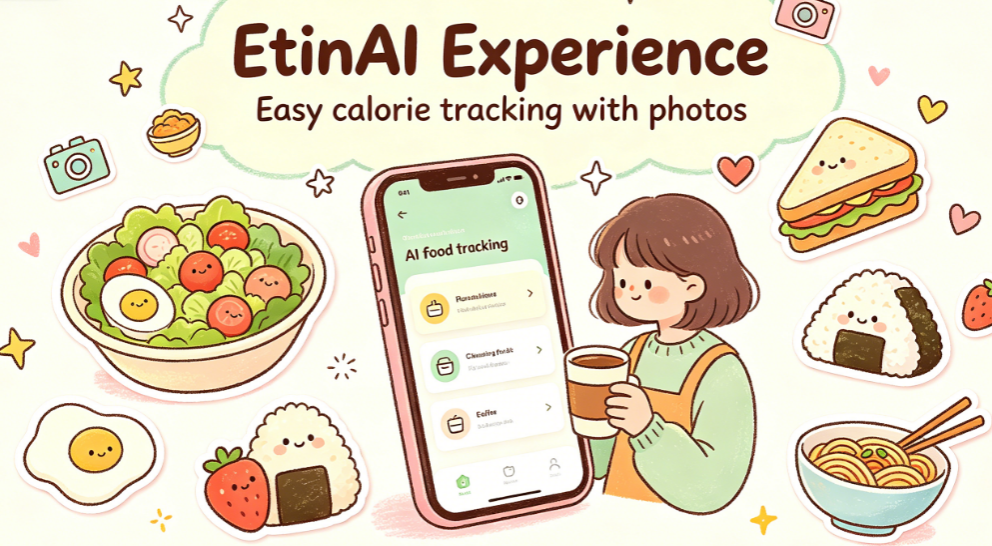
It's a bit funny to say, but I used to think I lacked willpower because I couldn't stick with food logging for more than three days. I've downloaded seven or eight calorie apps on my phone over time—some required selecting ingredients for ten minutes per meal, others bombarded me with daily check-in reminders. Eventually, it all became a mental burden, and they all ended up in the 'uninstall' folder.
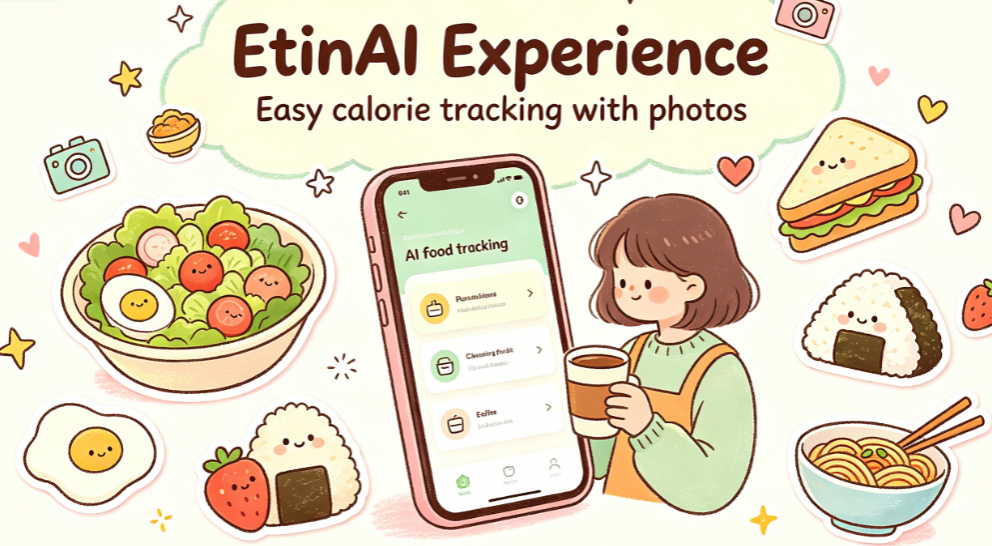
Until recently, a friend recommended EtinAI to me, saying you can log calories just by taking a photo. I thought, 'How convenient could it be?' But I ended up using it for two weeks straight—the first time I've ever turned food logging into a habit.
Getting started so fast it felt like no burden at all
At first, I didn't have high expectations when I downloaded it. I've seen this type of app before—you always have to fill in your height, weight, and goals, then go through a lengthy tutorial. But EtinAI was refreshingly simple. After registering, it took just two steps to get to the main screen—less than two minutes total.
No forced daily goals, no popping check-in reminders. Open it and you're at the camera interface—snap whenever you want. I was a bit taken aback, thinking, 'That's it?' But it's precisely this 'low-key' approach that removed the mental pressure. Before, logging a meal felt like completing a KPI; now, it's just a quick snap, no brain power needed.
Tested in everyday scenarios—hassle-free every time
As for the recognition experience that everyone cares about most, I tested all the common eating scenarios over the past two weeks. It was more convenient than expected.
The most impressive was when I tested a delivered light meal. I usually order salads for weight loss, and I used to assume 'eating light means low calories.' But the photo revealed that the hidden Caesar dressing underneath accounted for nearly a third of the total calories. After that, I always ask for dressing on the side. That small adjustment made my body fat drop more smoothly than two weeks of blindly eating light meals before.
It's also convenient when eating in the company cafeteria. I used to feel awkward bringing a food scale to the buffet. Now I just snap a photo of my tray—home-style dishes, noodles, rice bowls—all recognized accurately, even the extra scoop of meat the server added. No need to manually search calories for each dish. After getting your meal, sit down, and in two seconds you get results, with protein, carbs, and fats clearly broken down.
It even works at group dinners. After a big meal, I used to feel guilty and guess how many calories I ate, which only made me more anxious. Now, I just snap a photo while everyone's chatting. Knowing the numbers puts my mind at ease. I don't feel like I've ruined everything after one meal—I just go back to normal eating.
Oh, and the 5×5 cm reference scale is very practical. At first, I didn't think much of it, but then I placed a business card next to the food for comparison, and the portion estimation became much more stable. For everyday snapshots, the difference may be minor, but if you want precise calorie control, having a reference object makes a big difference.
The more I used it, the more I appreciated the little thoughtful details
The longer I used it, the more I noticed many design touches—subtle but very comfortable to use.
First is privacy. I'm always sensitive about app permissions now. This one only asked for camera access during installation. The official says all data is stored locally, with no messy user tracking. What you eat and how much—only you can see. That's really reassuring.
Second is cross-device sync. I use an Android phone at work and a tablet at home to view data. Log in with the same account, and records sync automatically. No need to transfer data back and forth, and no missing meals. It works on both iOS and Android, with similar interfaces, so no need to re-learn when switching devices.
And one more thing I have to praise: the free version is genuinely sufficient. I haven't upgraded to a paid membership yet. I take three or four photos of meals a day without any issue. No pop-ups forcing you to pay, no ads to unlock features. The upgrade option sits quietly in settings—you can open it when you want more features. Compared to many apps that lock core features from the start, this restraint is really appealing.
Actually, after using it for so long, my favorite part isn't how accurate the calculations are, but how it completely eliminated my anxiety about 'food logging.' I used to think logging meals was serious and troublesome—needing precision to the gram, strict targets, and feeling frustrated if I fell short. But with EtinAI these two weeks, I just snap photos casually. No need to force myself to complete any goals, no one hurries me to check in. Without realizing it, I've come to understand my own eating habits.
I now know which dishes look light but are actually high in calories, and how much I should eat for a satisfying portion. Without strict dieting, just by slightly adjusting combinations, my overall state feels much lighter.
Finally, just a quick note: if you're like me and have tried many calorie apps but couldn't stick with them—finding manual input too tedious, or pressured by check-ins and goals—give EtinAI a try. It doesn't have flashy features; it just quietly makes food logging simpler. It's free to download with no cost, and maybe you'll find yourself sticking with it as easily as I did.
Comments
Leave a Comment