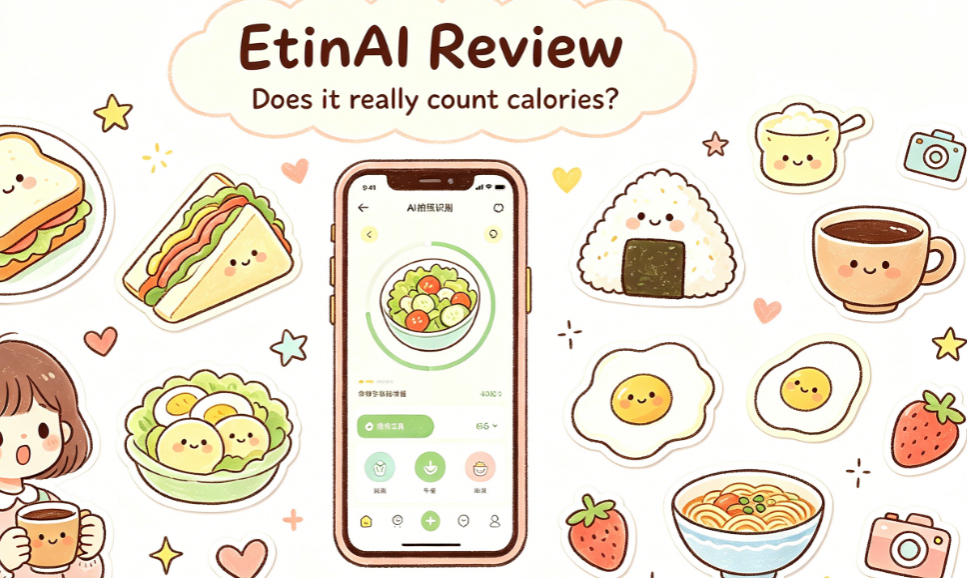
A while back, I hit a plateau in my weight loss journey. I downloaded every calorie-counting app in the app store, but none lasted more than three days — either I had to scroll through the database forever just to enter a food item, spending ages picking whether a bun was filled with pork or veggies, or they kept bombarding me with daily goal reminders and check-in prompts, giving me diet anxiety.
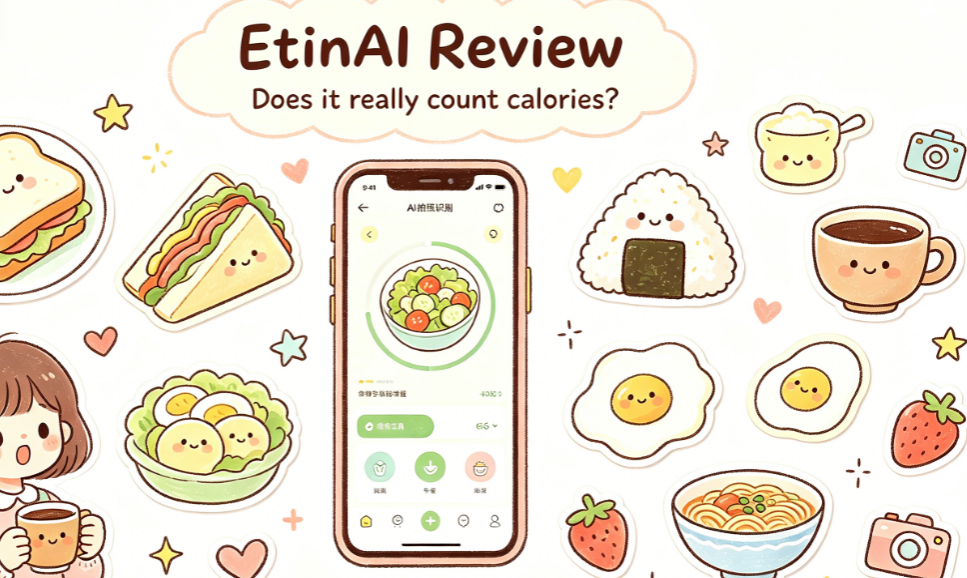
Then I stumbled upon someone mentioning EtinAI, saying it could calculate calories just by taking a photo, even breaking down protein, carbs, and fat clearly. I initially thought it was another overhyped tool full of bugs — a stupid tax gimmick — so I downloaded it with a "probably delete it in two days" attitude. But I ended up using it for nearly a week, so let me share the real experience that no one online goes into detail about.
Getting started was so fast I was stunned for a second
Before downloading, I mentally prepared to spend half an hour filling in info — after all, these health apps always ask for height, weight, body fat, weight loss goals, exercise frequency. By the time you finish the whole process, your enthusiasm is gone.
But EtinAI really goes against the grain. After registering, I was on the main screen in two steps, with no lengthy tutorial. It took at most two minutes total. Open the camera and you can immediately photograph food — no need to set today's goal first, no need to choose whether it's breakfast or lunch. Just snap whenever you want.
I wondered, is it really this simple? Wouldn't the features be too basic? But after two days, I realized that this very "low profile" is what makes it easiest to stick with. The reason I couldn't keep using those other apps was largely because they made logging a meal feel like hitting a KPI.
How accurate is the photo recognition? I tested these common eating scenarios
The core feature is obviously counting calories by photo, so I specifically tested it on my most frequent meals, and I did encounter a few minor issues.
At first, I just snapped a photo of my lunchbox, and the calorie estimates seemed inconsistent. Then I noticed the 5×5 cm reference scale on the interface — basically, it gives the AI a size reference for more accurate portion estimation. Initially, I thought this design was unnecessary: why add a reference object just for a photo? But when I placed a business card (roughly that size) next to the food and took the photo, the accuracy became much more stable. The difference was significant — without proper portion estimation, all the calorie calculations are meaningless.
That day, I ordered a light salad for lunch, and it even identified the Caesar dressing hidden underneath, listing its calories separately. I had always assumed light salad dressings were low-calorie, but that spoonful accounted for nearly a third of the entire meal's calories. It was a wake-up call — no wonder I was eating light meals and still not losing weight; the traps were all in the hidden places.
Later, I tried it on cafeteria meals, convenience store lunchboxes, and even a full table of food at a gathering. The cafeteria meals were the most convenient — I used to feel awkward using a food scale, but now I just snap a photo of my plate. It recognized home-style dishes fairly well, even estimating the portion of that extra scoop of braised pork from the auntie. Convenience store oden and rice balls were no problem either, with each ingredient's calories listed separately, so I didn't have to manually add up the packaging information.
The most surprising was during a gathering. Before, I'd end up feeling guilty, wondering "how many calories did I eat?" and guessing wildly, often leading to a "screw it" attitude. Now, while everyone chats, I take a photo and have a clear idea, which actually reduces anxiety instead of stressing over one meal all night.
A few small details I found very impressive
Beyond the core photo recognition, there are some details that really stood out to me during use, which most reviews rarely mention.
First is privacy. Many apps these days ask for contacts, location permissions, basically wanting to dig through everything. When I installed this one, I specifically checked — it only requests camera access by default. The official statement says all data is stored locally on your device, with no messy user tracking. For someone like me who cares about privacy, this really scores major points.
Second is multi-device sync. I always carry my phone, but at home I prefer using my tablet to check data. With the same account on both devices, records sync automatically — no need to transfer data back and forth. It's quite convenient. It works on both iOS and Android; I tested it on a spare Android phone, and the interface was similar with no compatibility issues. The only thing is that the older device started up a bit slower, but that's acceptable.
Third is that the free version is really sufficient. I still haven't subscribed to a membership, and I can easily log three or four meals a day without any pop-ups pushing me to pay. The upgrade option sits quietly in settings, and you can unlock more features only when you want to. Compared to many apps that lock core features right away and force you into a membership, this is incredibly user-friendly.
It's not without flaws — let's be objective about a few issues
Of course, it's not perfect. I should also mention the pitfalls I encountered, so don't expect too much.
First, recognition errors still occur with complex dishes. For example, yesterday I photographed a bowl of malatang — meatballs, vegetables, and noodles all mixed up — and the ingredient portions were a bit off. The calorie estimate for soups is only a rough reference. For dishes with clearly separated ingredients, the accuracy is high, but the more mixed the dish, the less accurate it becomes.
Then there's that 5×5 cm reference scale. First-time users will probably be confused. I didn't know how or where to place it, so I took several photos without triggering the reference effect. It wasn't until I looked at the help section that I figured it out. Newbies should definitely check the instructions first, otherwise you'll miss out on this feature that improves accuracy.
Also, currently it only has the photo logging feature — no meal plans, exercise check-ins, etc. If you're looking for an all-in-one health management app, this might not satisfy you. But for me, less is more. I just wanted to log calories; too many features would make it cumbersome.
Finally, a quick word: is it worth trying?
If you're like me — you've tried many calorie apps but couldn't stick with them, find manual input too troublesome, and don't want diet anxiety from daily goals and reminders — then EtinAI is definitely worth a try. It's so lightweight it's almost unnoticeable. Just snap a photo, and it won't add any burden, but it can quietly help you uncover the calorie blind spots in your daily meals.
But if you're a serious fitness enthusiast who needs precise calorie control down to the gram, then this certainly can't replace a food scale. Use it as a daily reference, but don't expect 100% accuracy.
Anyway, the free version costs nothing, so give it a try — you've got nothing to lose. It might just help you truly stick with tracking your diet.
Comments
Leave a Comment