Now available on iOS & Android
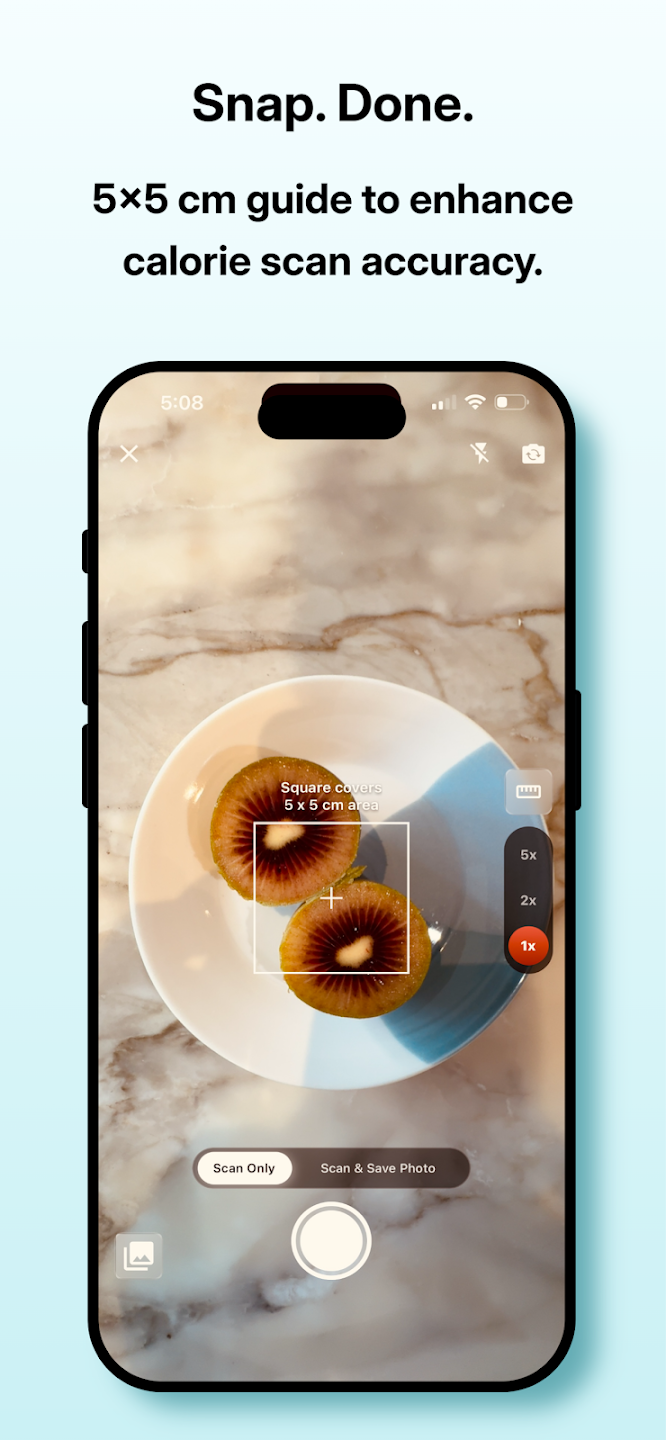
Snap a photo, know your calories. track protein, carbs and fat
You've tried other calorie apps, but hard to keep? Etin AI snaps a photo and checks instantly — with a 5×5 cm guide to enhance calorie scan accuracy.
4.9★ App Store rating
100K+Downloads
2 minTo get started
Features
Everything you need, nothing you don't
Thoughtfully designed to be fast, private and genuinely useful every day.
⚡
Instant & smooth
Built for speed — open the app and start in seconds, no setup friction.
🔒
Private by design
Your data stays yours. Sensible defaults, no creepy tracking.
🤖
AI that helps
Smart assistance that fits into your day instead of getting in the way.
📱
iOS & Android
A native experience on both platforms, with one account everywhere.
☁️
Sync across devices
Pick up right where you left off, on any device you own.
🎁
Free to start
Get going at no cost. Upgrade only if and when you need more.
How it works
Up and running in three steps
1
Download the app
Grab it from the App Store or Google Play — or scan the QR on desktop.
2
Sign in
Create your account in seconds and personalize the basics.
3
Start using it
That's it — EtinAI is ready whenever you are.
Get the app
Download EtinAI now
Scan the QR code with your phone to install.
Tap below to install on your iPhone.
Tap below to install on your Android device.
FAQ
Common questions
Is EtinAI free?
Yes — you can download and start for free. Optional upgrades are available if you need more.
Which devices are supported?
EtinAI runs on iPhone, iPad and Android phones. One account works across all of them.
I'm on a computer — how do I install?
Open this page on desktop and scan the QR code above with your phone's camera to jump straight to the store.
Blog
Latest articles
Tips, guides and updates from the EtinAI team.
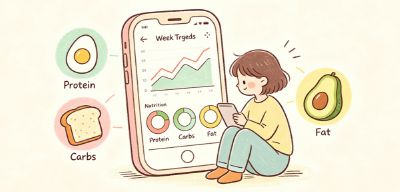

Only After Using EtinAI Did I Realize: Eating Well Doesn't Require So Much Calculation
I personally tested EtinAI's photo-based AI diet tracking tool, sharing my experience and real insights across all scenarios. No need for precise calorie counting, no pressure to check in, easily sort out daily eating habits, ease dietary anxiety, eating well shouldn't be a burden.
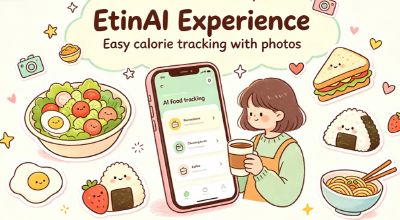
After two weeks with EtinAI, I finally stuck with food logging
Hands-on with EtinAI calorie-counting app for two weeks: sharing real-world test experiences and genuine usage insights. See how this lightweight AI diet tool helps you effortlessly stick to daily food logging.

Tried EtinAI for a week: counting calories by photo, is it a miracle tool or a tax on stupidity?
Dora personally tested the EtinAI photo calorie app for a week, detailing the accuracy of photo recognition, user experience, and real pros and cons, telling you whether this AI diet tracking tool is worth downloading.

I deleted all calorie tracking apps, and finally lost weight by eating.
The more you count calories, the fatter you get; the more you restrain, the more you binge? This article cuts in from the perspective of dietary anxiety, compares the oppressive feeling of traditional calorie apps, tests EtinAI's lightweight recording experience, deconstructs a relaxed, goal-free, check-in-free diet management method, helping you say goodbye to eating anxiety.

Didn't lose weight after ordering light meals for half a month? This calorie-counting photo tool woke me up
Ordering light meals every day and not losing weight? We tested EtinAI's photo recognition for takeout calories, uncovering three hidden traps: excessive dressing, oversized staples, and fake-healthy sides. No manual calculation needed—easily adjust your takeout diet structure for weight loss.